Members
The register — profiles, membership status, dues, imports and the fields every other module reads.
The member register is the record everything else points at. A member belongs to one tenant, carries a public member code, and holds the contact and membership details that campaigns, events and certificates read back.
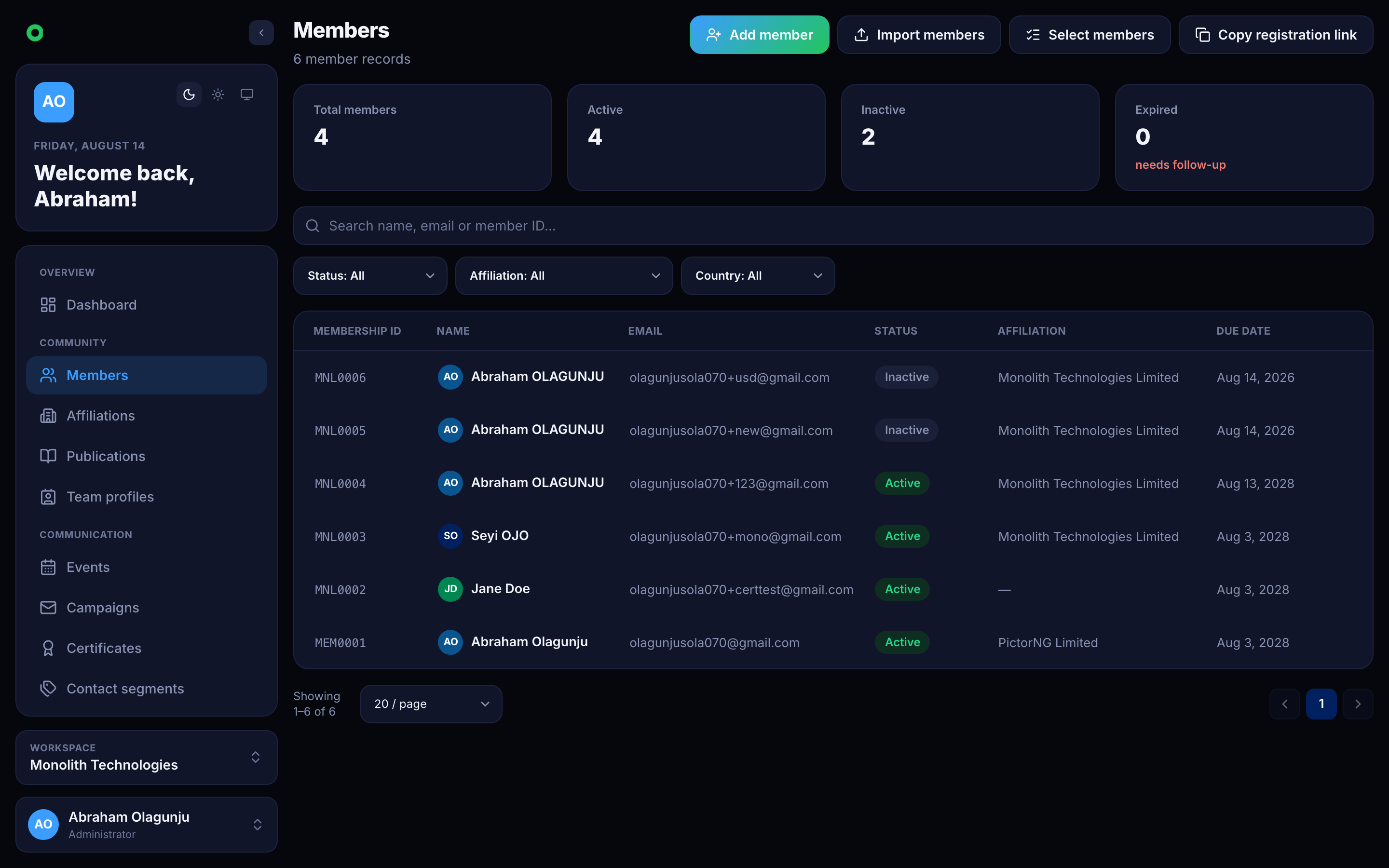
What a member record holds
| Field | Notes |
|---|---|
memberId | Public code, generated from the tenant's prefix (MEM0001). Unique within the tenant. |
fullName, email | Identity. Email is unique per tenant and is what campaigns and suppressions key on. |
status | active, inactive or expired — expiry is driven by the dues date, not set by hand. |
membershipDueDate | The day the current term ends. A calendar date, anchored in UTC. |
membershipTierId | Which tier the member is on, when the tenant runs paid membership. |
affiliationId | The institution they belong to. See Affiliations. |
| Contact | Phone, address, city, state, country. |
orcid | Researcher identifier, for tenants that publish scholarship. |
Which optional fields appear — and which are required — is configurable per tenant, and the same setting drives both the console's own form and the public registration page.
Use cases
Running an annual membership
Tenants on paid membership put every member on a tier, each priced per
currency. Invoices are raised for the term, and a member who opts out of billing
is never invoiced and never lapses for non-payment. Paying advances
membershipDueDate by one term; letting it pass moves the member to expired,
which quietly removes them from any audience filtered on active.
Importing an existing register
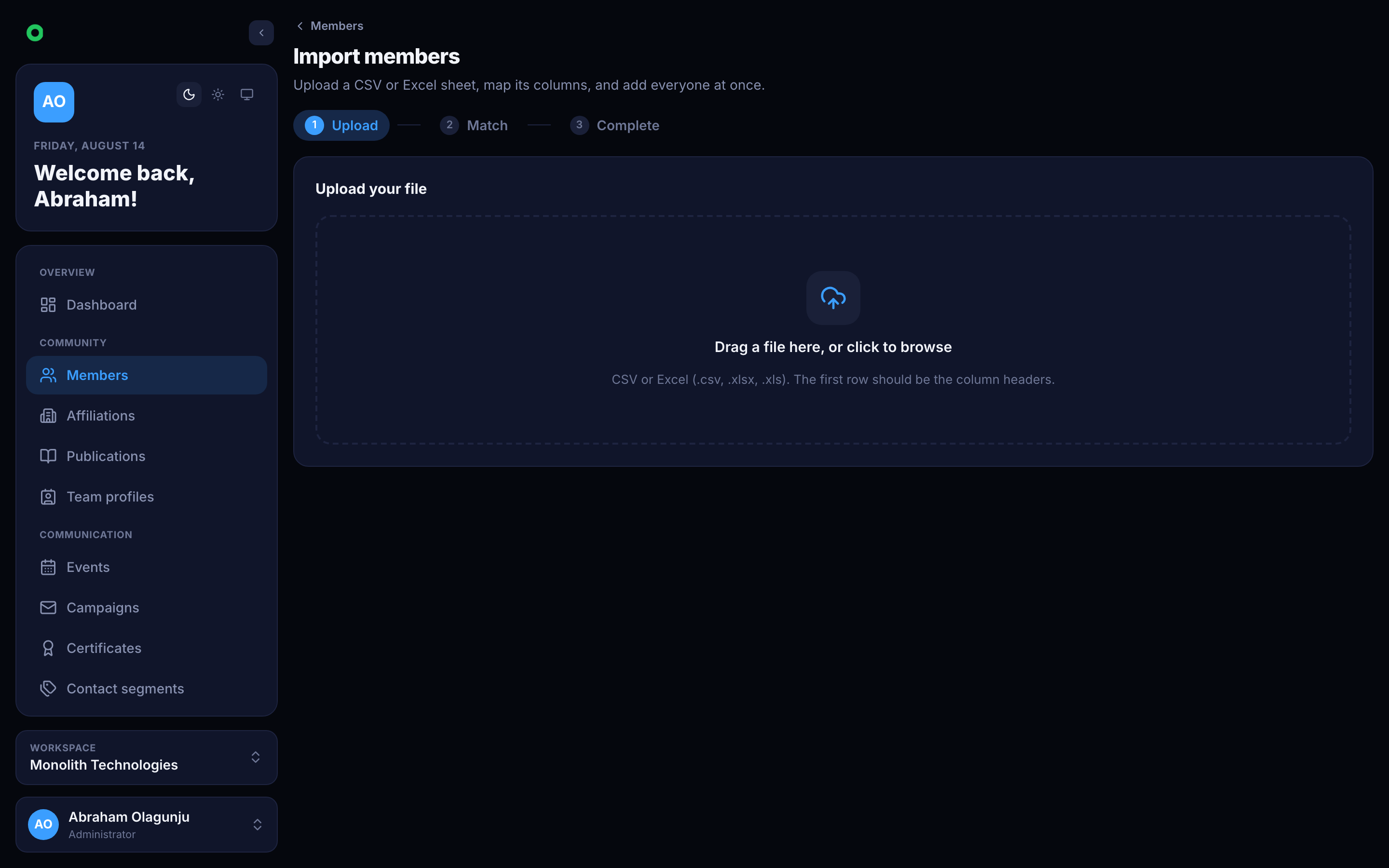
A CSV import is the usual first step for an organisation moving in. Rows are matched on email, so re-running an import updates rather than duplicates.
Letting members register themselves
Each tenant has a public join page. Submissions land as members directly, with the tenant's own field configuration deciding what is asked and what is mandatory.
Why the register matters elsewhere
A member's affiliation, tier, status and dues date are all available as merge tags in email. Writing "your membership expires on 14 March 2027" needs no export, no spreadsheet and no mail merge outside the product.