Settings & configuration
Identity, branding, modules, sending, storage, membership and domains.
Configuration is per tenant. Nothing here leaks between workspaces, and most of it is read by several modules at once — which is why it is worth setting early.
General
The organisation's description, website, contact email, address, phone, country and timezone. The address and phone are the first entries of lists that the email footer can extend, so a tenant with two offices shows both.
Branding
Logo, favicon, primary and accent colours, an optional email header, and the custom domain the white-labelled console is served on. Branding resolves by hostname: a request arriving on a tenant's own domain is themed as that tenant across both the console and its emails.
Modules
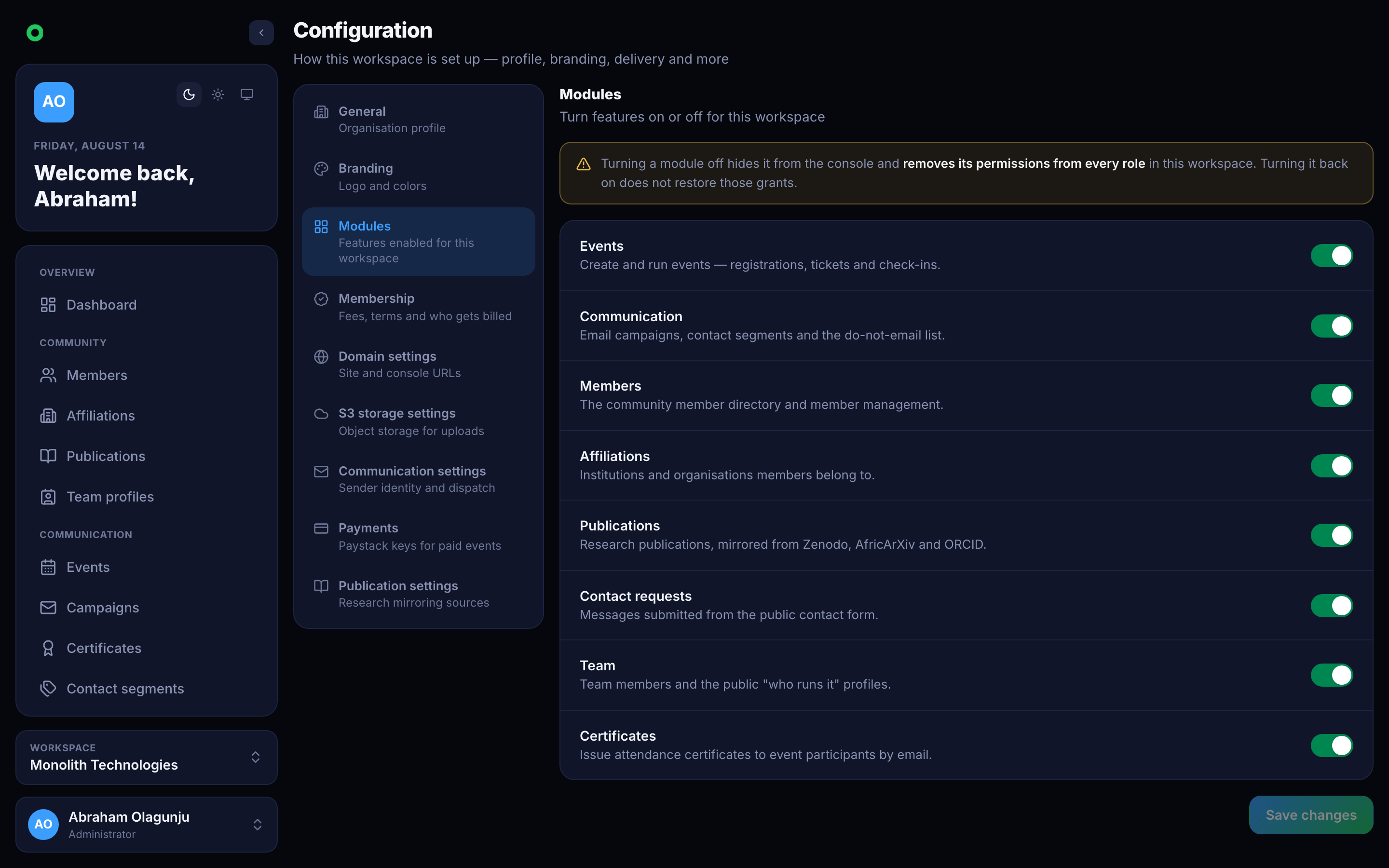
Every tenant starts with Events and Communication; the rest are opt-in. Switching one off hides it from the console, strips its permissions from the tenant's roles, and blocks its endpoints — see Team.
Communication
The from-name and from-address, an optional tenant SMTP transport, and campaign pacing — how many emails go out per batch and how long to wait between batches. Pacing exists to stay inside a provider's rate limits.
Membership
Whether paid membership is on, the term (weekly, monthly, yearly), the tiers and their prices, and the prefix for generated member codes.
Storage
Where uploads go: an S3-compatible bucket with its region, endpoint, credentials and optional custom domain. Images pasted into an email body are uploaded here first so the email carries a real URL rather than an attachment.
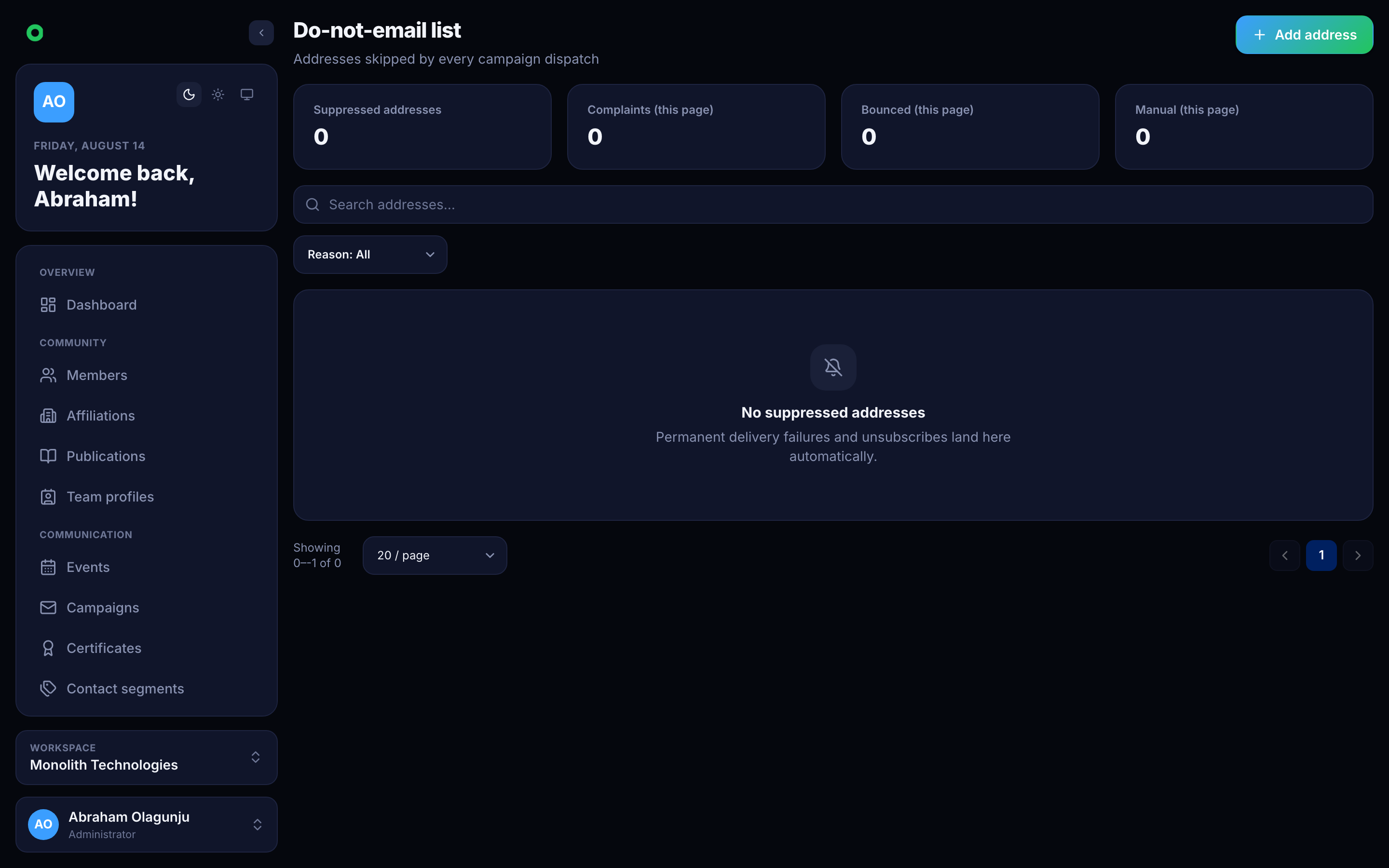
Do-not-email
The suppression list. Addresses land here from unsubscribes, hard bounces and invalid-address rejections, and are checked before every send.