Team
Administrators, roles and the permissions that decide who can do what.
The team is the set of people who administer the workspace. Each holds an access into the tenant, and that access carries a role, which is a named bundle of permissions.
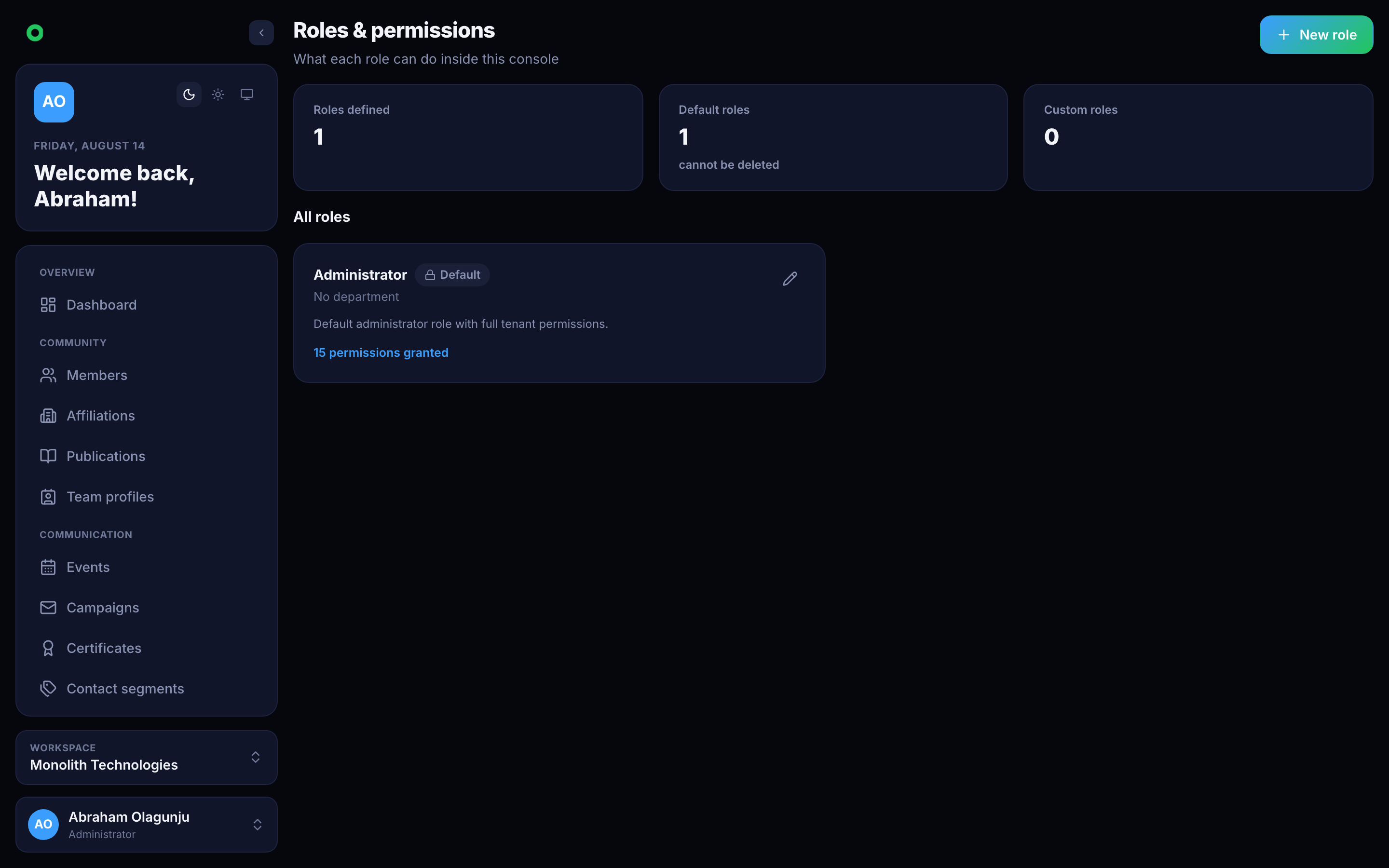
Permissions
| Permission | Grants |
|---|---|
member:manage | The member register |
affiliation:manage | Institutions |
communication:manage | Campaigns and events |
publication:manage, publication:sync | Publications and their syncing |
contact:manage | Segments and contact requests |
certificate:manage | Templates and issuance |
team-member:create, team-member:update | Inviting and editing administrators |
role-permission:create, role-permission:update | Editing roles themselves |
tenant:manage | Tenant identity, branding, profile |
smtp:manage, api-key:manage, wallet:manage | Sending, integrations, billing |
stats:view | Dashboard figures |
settings:update | Configuration |
Events and campaigns deliberately share communication:manage rather than having
separate permissions.
Modules and permissions are different gates
Turning a module off strips its permissions from the tenant's roles and
blocks its endpoints. Turning it back on does not restore anyone's access
automatically — roles are edited deliberately. A permission survives while any
still-enabled module needs it, so switching off Events does not remove
communication:manage from someone who also runs campaigns.
Team profiles
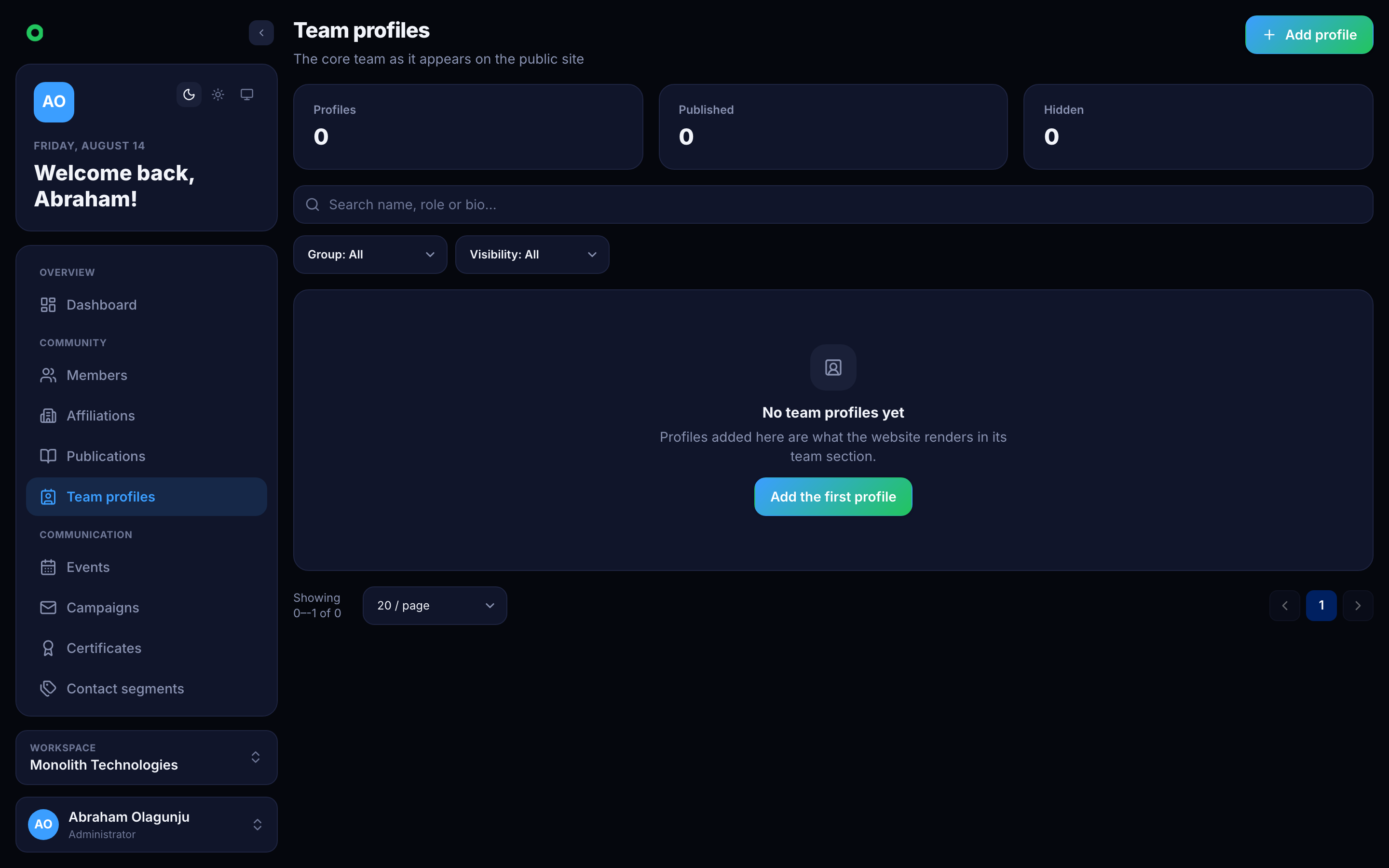
Separate from administrators, team profiles are the public-facing people page: the board, the secretariat, the organising committee. They are content, not access — a profile grants nothing.
Use cases
A volunteer who only sends email
Create a role with communication:manage alone. They see Campaigns and Events
and nothing else — not the register, not billing.
Handing over the treasurer's job
Grant wallet:manage to the incoming treasurer, remove it from the outgoing one.
Access is per person, so nothing is shared and nothing needs a password change.